 Image 1 of 1
Most people who buy a Tangem wallet get confused before their crypto is ever actually secured. This guide changes that.
The Tangem Wallet — Complete Beginner's Setup Guide walks you through every single step in plain English — from the moment you open the box to the moment your crypto is fully protected. No jargon. No tech background required. No guessing.
What's included:
Step-by-step PDF guide (22 pages, printable)
Video walkthrough: The Sentinel Guide to Tangem Setup
Works with all Tangem wallet models (2-card and 3-card sets)
What you'll learn:
- What Tangem is and why it's safer than keeping crypto on an exchange
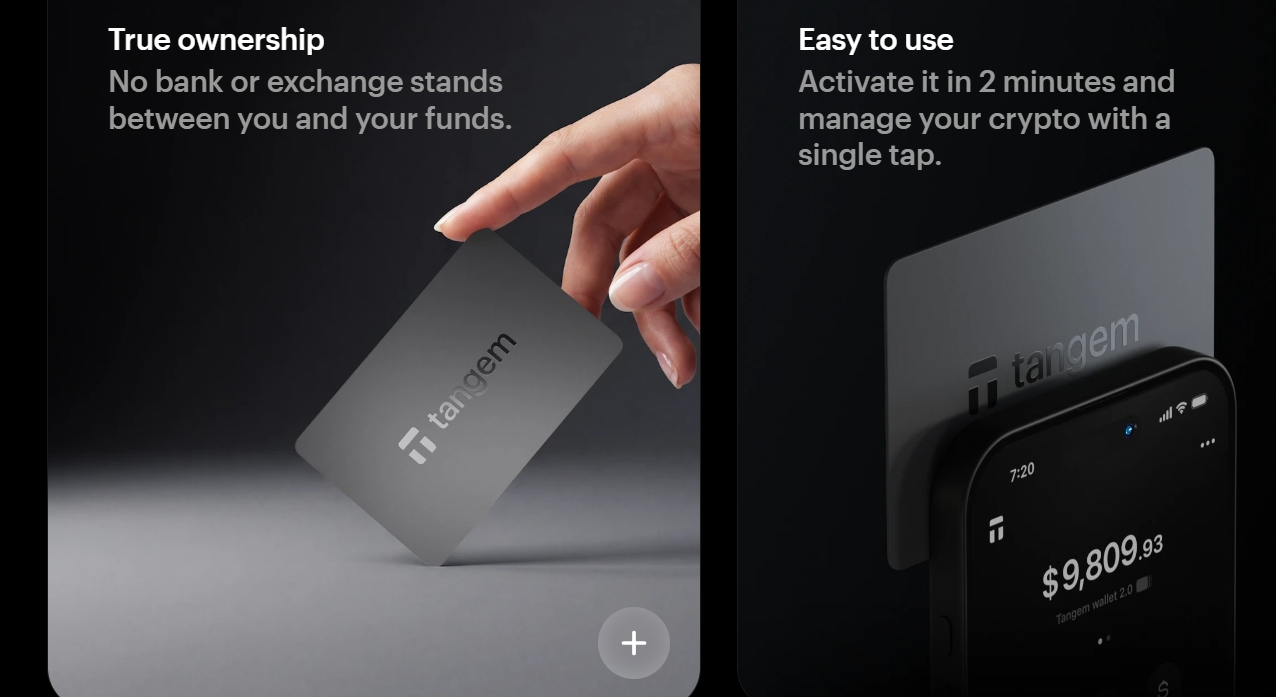
- What's in the box and what each card does
- Step 1: Download and install the Tangem app (Android or iPhone)
- Step 2: Scan and activate your card
- Step 3: Set your access code — and why this step is critical
- Step 4: Set up your backup cards (the most important step most people skip)
- Step 5: Add tokens and networks — XRP, Bitcoin, Ethereum, Solana, ADA, and more
- Step 6: Buy or transfer your first crypto
- Daily use: how to send, receive, and check your balance
- Security tips: what to do and never do with your Tangem cards
Who this is for:
Anyone who just bought a Tangem wallet — or is thinking about it — and wants to get set up correctly the first time without watching 10 different YouTube videos.
Bonus: Use code FUSB6E at tangem.com for a discount on your Tangem wallet.
Most people who buy a Tangem wallet get confused before their crypto is ever actually secured. This guide changes that.
The Tangem Wallet — Complete Beginner's Setup Guide walks you through every single step in plain English — from the moment you open the box to the moment your crypto is fully protected. No jargon. No tech background required. No guessing.
What's included:
Step-by-step PDF guide (22 pages, printable)
Video walkthrough: The Sentinel Guide to Tangem Setup
Works with all Tangem wallet models (2-card and 3-card sets)
What you'll learn:
- What Tangem is and why it's safer than keeping crypto on an exchange
- What's in the box and what each card does
- Step 1: Download and install the Tangem app (Android or iPhone)
- Step 2: Scan and activate your card
- Step 3: Set your access code — and why this step is critical
- Step 4: Set up your backup cards (the most important step most people skip)
- Step 5: Add tokens and networks — XRP, Bitcoin, Ethereum, Solana, ADA, and more
- Step 6: Buy or transfer your first crypto
- Daily use: how to send, receive, and check your balance
- Security tips: what to do and never do with your Tangem cards
Who this is for:
Anyone who just bought a Tangem wallet — or is thinking about it — and wants to get set up correctly the first time without watching 10 different YouTube videos.
Bonus: Use code FUSB6E at tangem.com for a discount on your Tangem wallet.